
Authorize Momentum in Gong.io
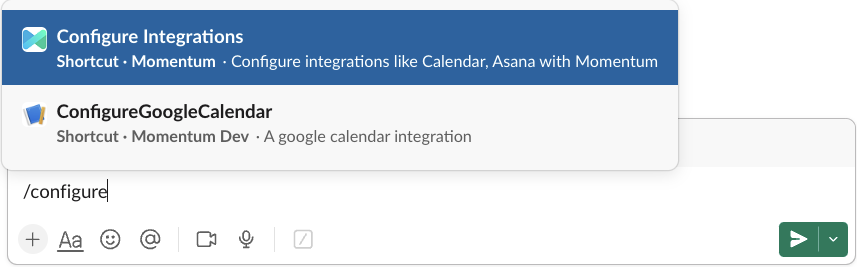
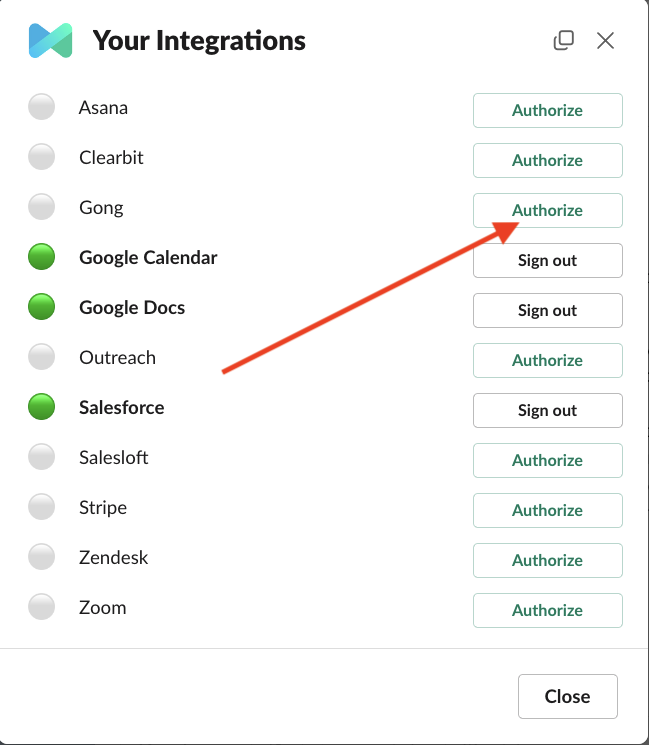
The steps are very simple. From any Slack channel, as an administrator, type*/configure* in Slack to display the “Configure Integrations with Momentum” command. That will open Momentum Integrations Slack menu.
Assign AI License Seats To Your Team Members
To add users to the AI license Seats setting in Momentum:- Log in to the Momentum Admin: Visit the Momentum admin page and log in with your credentials
- In the Team section, find or invite the users you’d like to assign AI licenses to
-
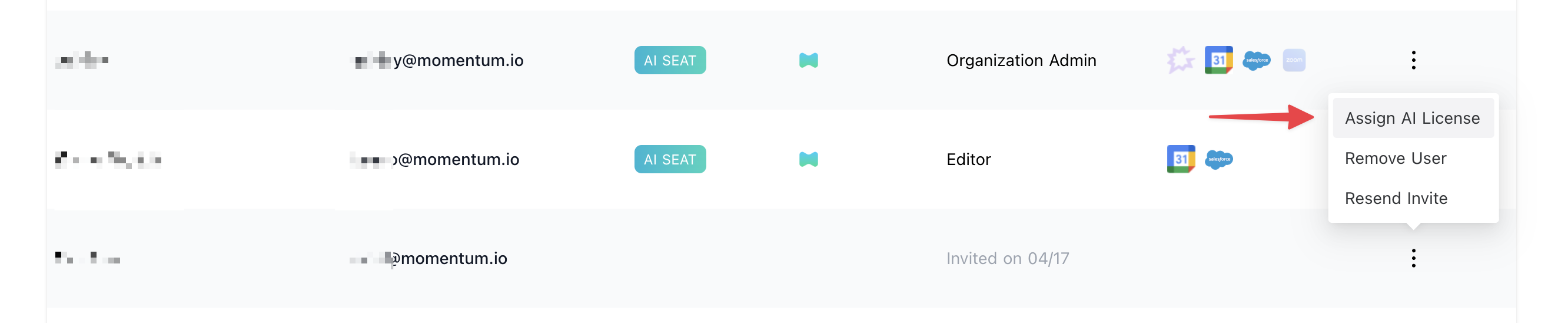
Click Assign AI License option in the users’s record