
Connect Clari Copilot to Momentum
To establish a connection between Clari Copilot and Momentum, you’ll need an organization administrator to generate an API key and password from Clari Copilot and add it to your Momentum admin dashboard.Generate Your Clari Copilot API Key and API Password
- Sign into your Clari Copilot console.
- Navigate to Workspace Settings → Integrations → Clari Copilot API (sometimes listed under “Others”).
- Click “Generate” to obtain your API Key and API Password.
Add API Key and API Password to Momentum
- Copy the generated API Key and API Password from Clari Copilot.
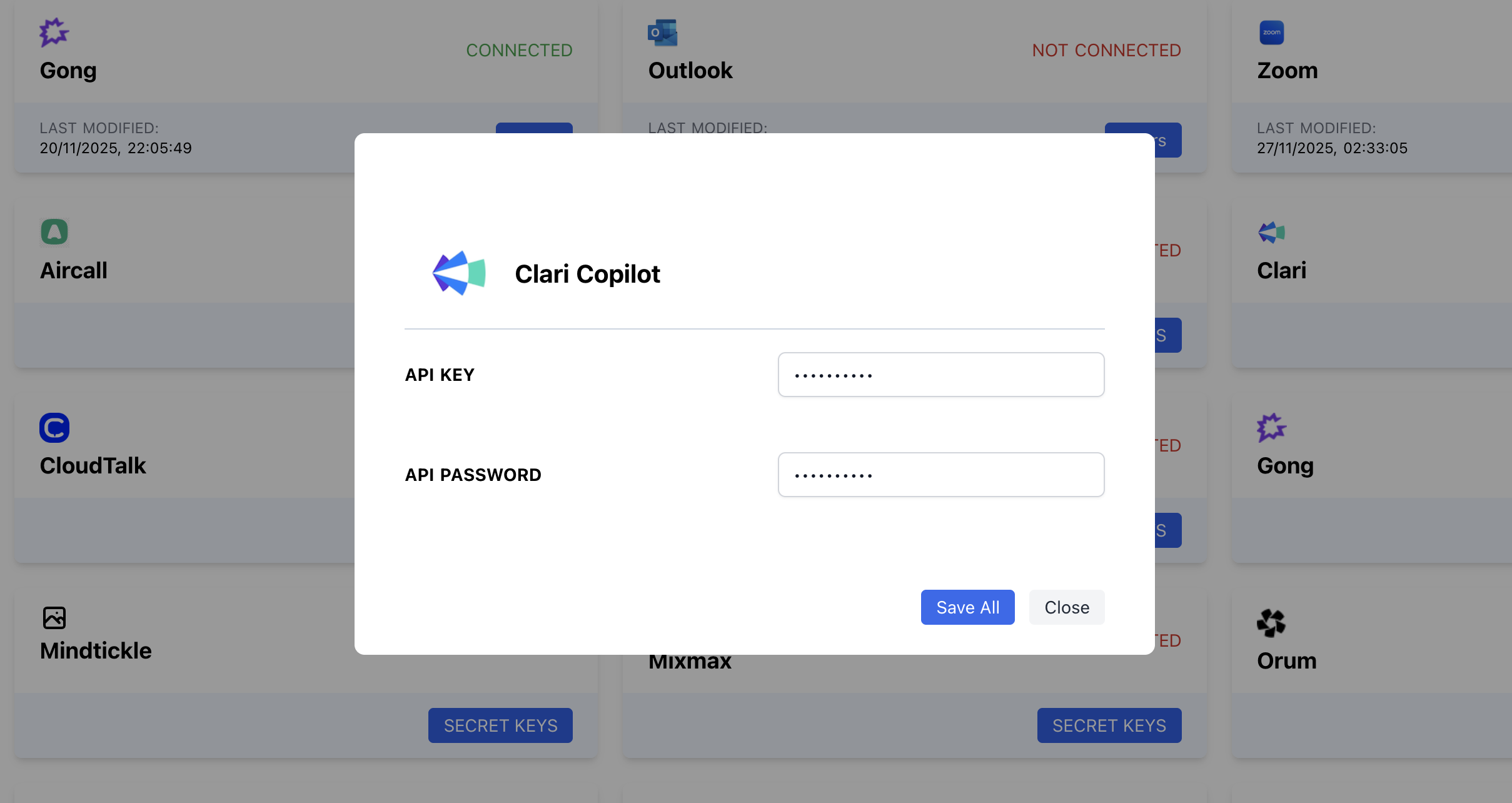
- Switch to your Momentum admin integrations dashboard and find the Clari Copilot integration.
-
Paste your API Key and API Password and click on “Save”.
Assign AI License Seats To Your Team Members
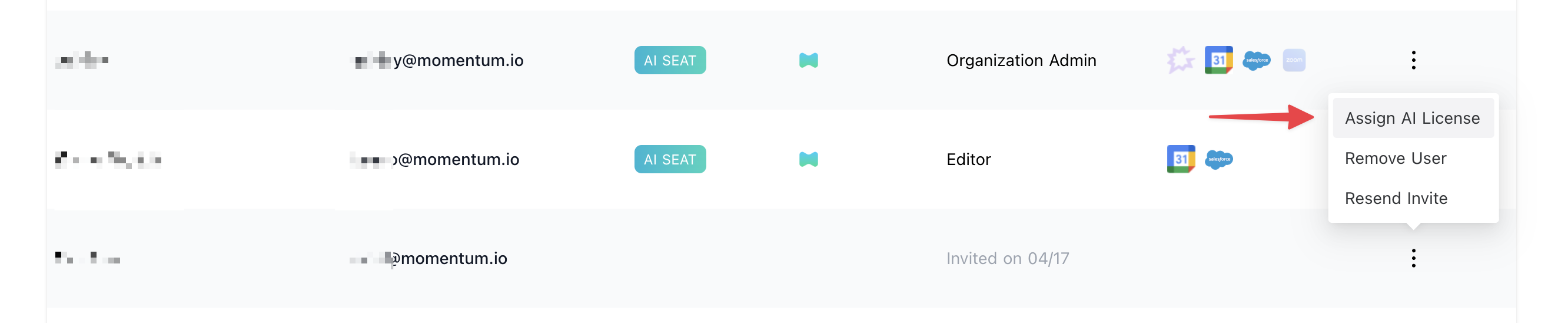
To add users to the AI license Seats setting in Momentum:- Log in to the Momentum Admin: Visit the Momentum admin page and log in with your credentials
- In the Team section, find or invite the users you’d like to assign AI licenses to
-
Click Assign AI License option in the users’s record