
Connect Attention to Momentum
To establish a connection between Attention and Momentum, you’ll need to generate an API key from Attention and add it to your Momentum admin dashboard.Generate Your Attention API Key
- Sign into your Attention account and navigate to Settings.
- Locate the API Access section.
- Click Generate API Key and follow the instructions.
Add API Key to Momentum
- Copy the generated API key from Attention.
- Switch to your Momentum admin dashboard.
- Find the Attention integration and paste the API key.
Assign AI License Seats To Your Team Members
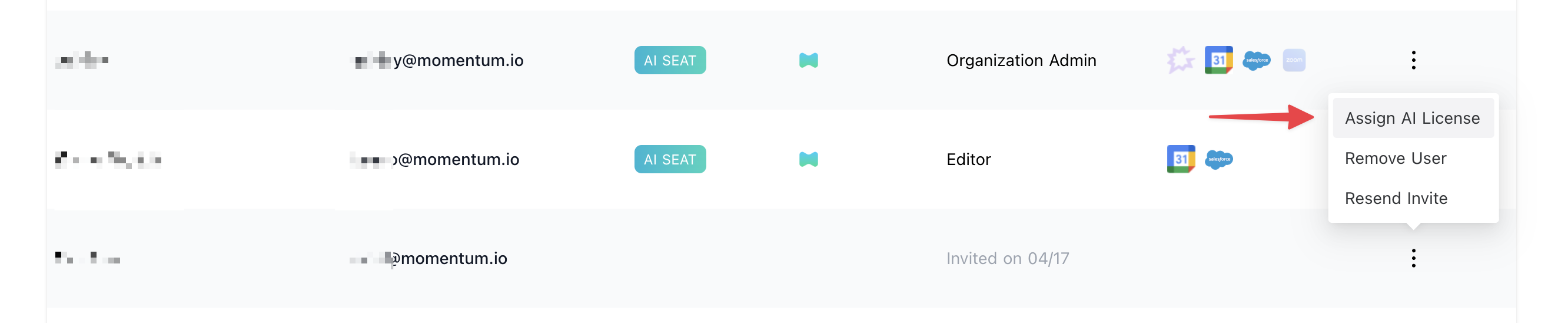
To add users to the AI license seats setting in Momentum:- Visit the Momentum admin page and log in with your credentials.
- In the Team section, find or invite the users you’d like to assign AI licenses to.
-
Click Assign AI License in the user’s record.