> ## Documentation Index
> Fetch the complete documentation index at: https://docs.momentum.io/llms.txt
> Use this file to discover all available pages before exploring further.
# Recording Consent Rejection Email Notification
### Overview
When a participant rejects recording consent, the host of the meeting will receive an email notification from [support@momentum.io](mailto:support@momentum.io)
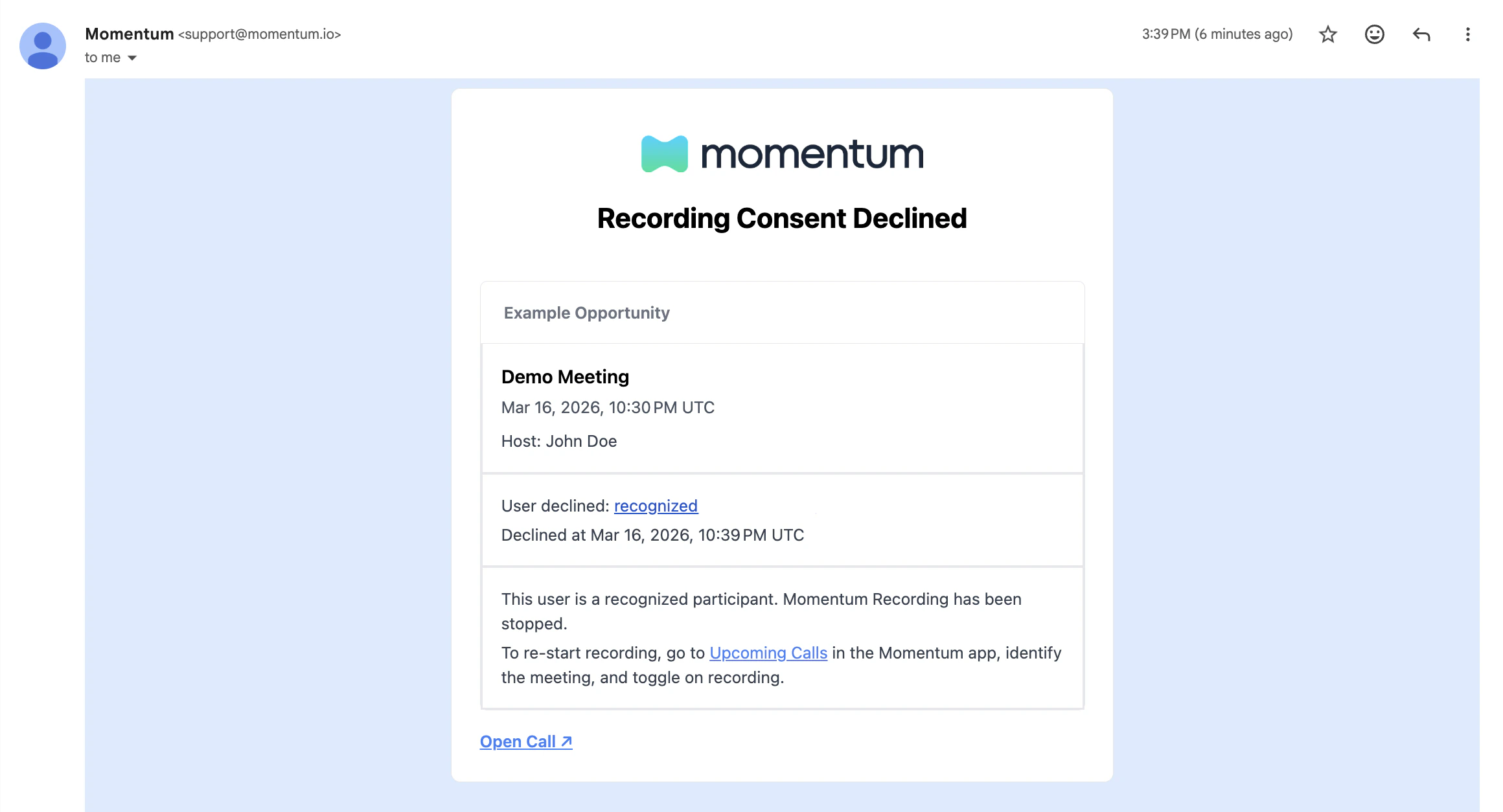
If the consent is rejected by a **recognized participant**, the host will receive an email containing
the following information:
* Meeting details (title, meeting time, host name)
* Salesforce Opportunity details (opportunity name, stage name)
* Time of rejection
* Email Address of Rejection
* One line message stating the Momentum Bot was removed
* Clear instruction on how to re-add the Momentum Bot manually
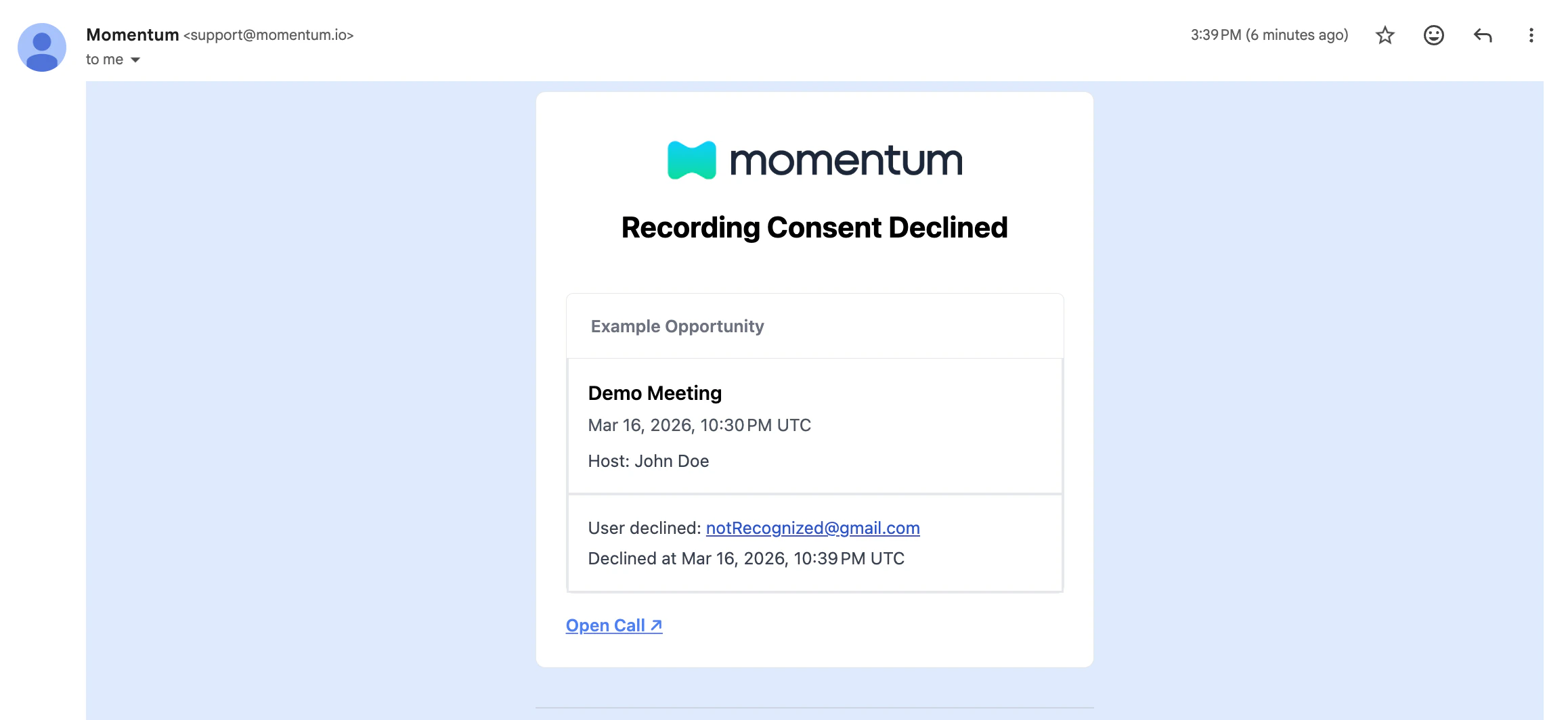
 If the consent is rejected by an unrecognized participant, the host will receive an email containing the same information, except for the bot removal message and the instructions to re-add the bot manually.
 ## Glossary
### Recognized Participant
A **recognized participant** is defined as:
1. A participant whose email address is in the meeting's invitee list **OR**
2. A participant who shares the same email domain as the host of the meeting
## Glossary
### Recognized Participant
A **recognized participant** is defined as:
1. A participant whose email address is in the meeting's invitee list **OR**
2. A participant who shares the same email domain as the host of the meeting